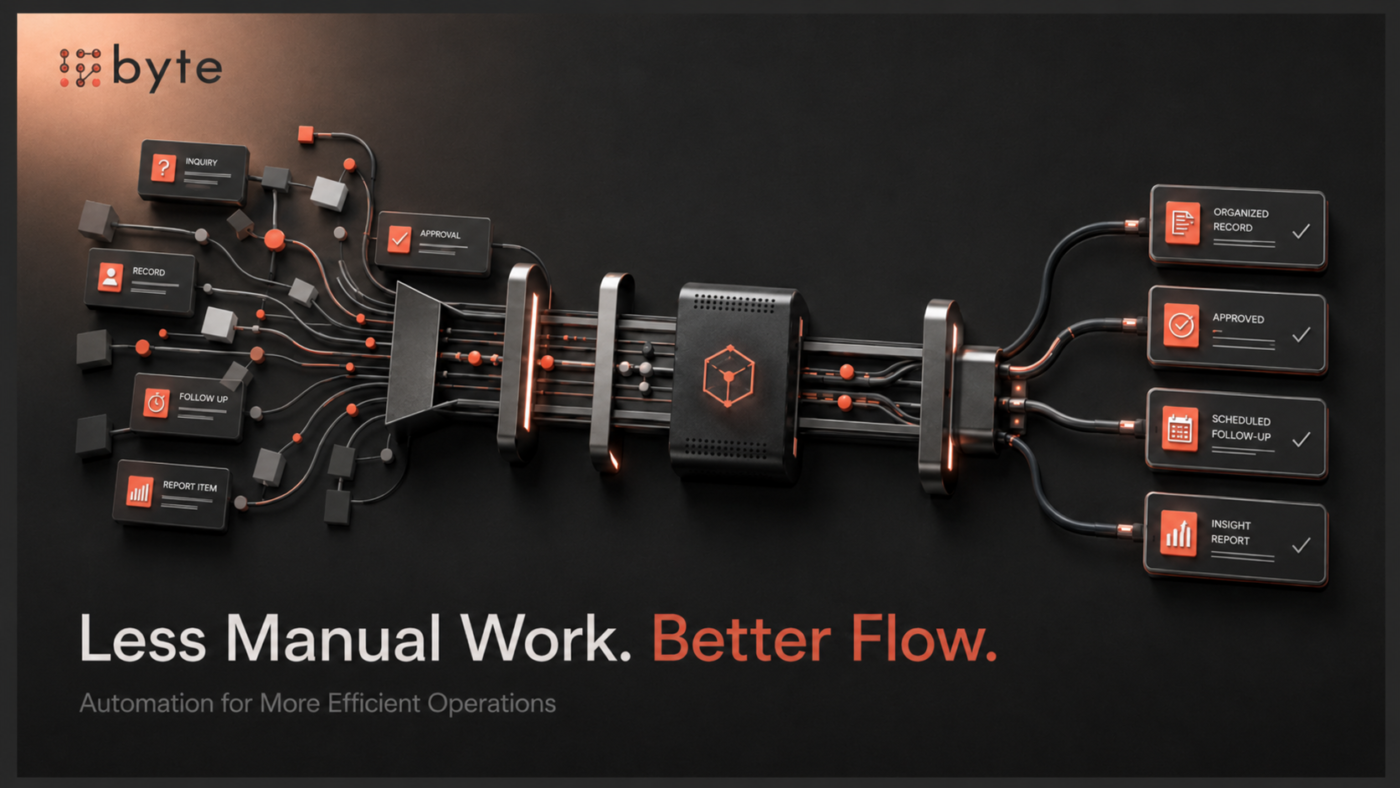
A new lead submits a form on the website.
Someone copies the details into the CRM. Another person assigns the lead to sales. A reminder is created for follow-up. The same information may later be entered into another system. At the end of the week, management exports data into a spreadsheet to prepare a report.
Individually, none of these tasks are difficult. Repeated across dozens of leads, customers, and employees, they become operational overhead.
As a company grows, recurring manual work consumes more time, creates more handoffs, and increases the risk of missed steps or inconsistent information.
Business automation can reduce that friction by allowing systems to handle repetitive, rules-based work while employees focus on activities that require judgment, communication, and decision-making.
The goal is not to automate everything.
It is to identify where manual work is slowing the business down and determine whether technology can make the process faster, clearer, and more reliable.
Manual Work Does Not Scale Well
A five-minute task may seem insignificant.
If it happens 40 times a week across several employees, the impact is different.
Common examples include entering lead information, assigning inquiries, sending routine follow-ups, updating customer records, preparing recurring reports, tracking approvals, and moving information between systems.
At low volume, teams can often manage these activities manually.
As volume increases, the same process requires more time and coordination. It can also become less consistent.
One employee may update the CRM immediately. Another may wait until later. One customer receives a follow-up within minutes, while another waits until the following day.
The company may have a defined process, but the outcome still depends heavily on people remembering every step.
Automation becomes valuable when it removes unnecessary dependence on memory and repetitive administration.
Start With the Process, Not the Automation Tool
Businesses sometimes approach automation by asking:
“What can this tool automate?”
A more useful question is:
“Where is our current process creating unnecessary work?”
The workflow should come first.
For example:
Inquiry received → Information recorded → Lead assigned → Team notified → Follow-up completed → Status updated
Once the process is visible, look for the points where work slows down or becomes unnecessarily manual:
- Where is information being copied or entered more than once?
- Which steps regularly create delays?
- Where does progress depend on someone remembering to take action?
- Which handoffs between people or systems are easy to miss?
- Which repetitive activities happen often enough to justify automation?
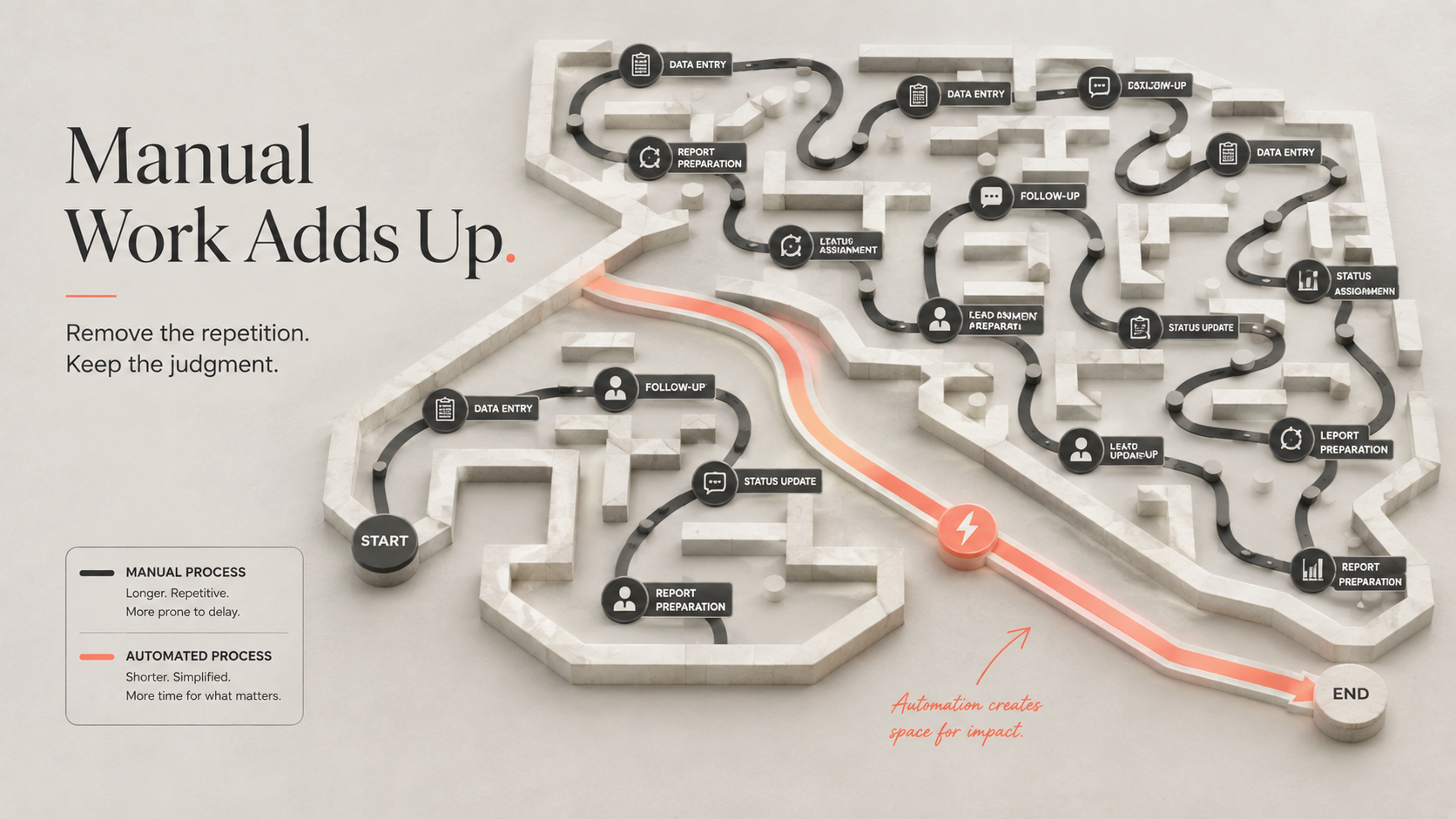
A bad process does not become a good process because it is automated.
If responsibilities are unclear or the workflow changes every week, automation may make the process more complicated rather than more efficient.
First, create clarity. Then automate the parts that are stable, repetitive, and worth improving.
Not Every Automation Needs AI
Automation and AI are related, but they are not the same thing.
Some of the most useful business automations rely on straightforward rules, system integrations, triggers, and scheduled actions.
For example, a website inquiry can be added to a CRM and assigned to the correct salesperson without requiring artificial intelligence.
AI becomes more useful when a workflow involves tasks such as interpreting information, summarizing activity, classifying requests, extracting data, or handling less predictable inputs.
Technology should match the problem.
Adding AI to a workflow that only requires a simple rule can create unnecessary complexity.
Automate Lead Handling and Follow-Up
Lead management is one area where automation can quickly improve consistency.
When a new inquiry arrives, several actions may need to happen:
Website inquiry → CRM record → Lead assignment → Team notification → Follow-up task
Handling each step manually creates opportunities for delay.
A connected workflow can move the information automatically and make the next action clear.
The salesperson still owns the relationship.
Automation simply removes administrative steps that can delay the response.
This becomes especially valuable as lead volume increases or when different people manage different types of inquiries.
The aim is to reduce the chance that a good opportunity is missed because the next step depends on someone manually moving information.
Reduce Repetitive Data Entry
Businesses often record the same information multiple times.
Customer details may begin on a website form, move into a spreadsheet, get copied into a CRM, and later appear again in a project management or reporting system.
Every additional manual entry creates work and another opportunity for inconsistency.
A customer’s name may be entered differently. A phone number may be updated in one system but not another. A status may change in the CRM while an internal spreadsheet remains outdated.
Where appropriate, integrations and automated workflows can allow systems to exchange information without employees repeatedly entering the same data.
That does not mean every tool needs to be connected.
The business should focus on areas where duplicate entry occurs frequently enough to consume meaningful time or reduce confidence in the records.
For companies whose workflows have outgrown existing platforms, Custom Software Solutions may also help connect processes or create systems around more specific operational requirements.
Make Reporting Less Manual
Reporting often includes two very different activities:
Preparing the information and understanding what it means.
The first can become highly repetitive.
A manager may collect data from a CRM, accounting platform, spreadsheet, and project system before organizing everything into a weekly or monthly report.
Automation can reduce some of that preparation by collecting defined information, updating dashboards, organizing activity data, and generating recurring summaries.
That leaves management with more time to review trends, identify problems, and decide what action to take.
Automation should reduce the work required to produce information, not remove the judgment required to understand it.
That distinction is important.
The value is not in producing more reports. It is in making useful information available with less repetitive effort.
Improve Internal Handoffs
Processes often break at the point where responsibility moves from one person or team to another.
A sale closes and operations need to start onboarding.
A customer request requires approval.
A project reaches a new stage, and another team needs to take ownership.
A document is completed and needs review.
Without a clear handoff, work can sit unnoticed until someone follows up manually.
Automation can make these transitions more structured.
For example:
Deal closed → Onboarding task created → Operations notified → Customer information transferred → Kickoff process started
Or:
Request submitted → Approver notified → Decision recorded → Next task assigned
The purpose is not to remove ownership.
It is to make ownership and the next action easier to see.
For growing businesses, that can improve coordination without requiring management to monitor every transition manually.
Not Every Process Should Be Automated
Automation can improve operations, but more automation is not automatically better.
Some workflows are poor candidates.
Automation may add little value when:
- The process changes frequently
- The task requires significant judgment
- Exceptions are more common than the standard workflow
- Communication needs a highly personal response
- The activity happens too rarely to justify automation
- Maintaining the automation would cost more than the time it saves
There is also a risk in automating processes that nobody fully understands.
If the underlying workflow contains unnecessary steps, poor data, or unclear responsibilities, automation can simply make those problems happen faster.
The better question is not:
“How much can we automate?”
It is:
“Where would automation create meaningful operational value?”
Measure the Value of Automation
The number of automated workflows is not a useful success metric on its own.
A business can have dozens of automations and still operate inefficiently.
What matters is what changed after the workflow was improved.
Useful measures include:
Time saved
Are employees spending fewer hours on repetitive administration?
Response speed
Are leads, requests, or internal tasks moving faster?
Error reduction
Has duplicate entry, missing information, or rework decreased?
Process consistency
Are important steps happening more reliably?
Team capacity
Can employees manage more activity without the same increase in administrative work?
The business should also ask:
Did the automation create enough operational value to justify building and maintaining it?
That keeps automation connected to business outcomes rather than treating implementation itself as success.
Good Automation Should Feel Simple
The best automated workflows are often almost invisible to the people using them.
Information appears where it is needed. Tasks are created automatically. The right person receives notifications. Routine reporting requires less preparation. Customers receive timely communication.
Employees spend less time moving information and more time using it.
If people constantly need to correct the automation, work around it, or maintain unnecessary steps, the process has become more complicated rather than less.
Automation should support the people running the business, not create another system they have to manage.
Automate the Friction, Not Everything
Business automation creates the most value when it solves a recurring operational problem.
That may mean routing leads faster, reducing duplicate data entry, improving internal handoffs, simplifying reporting, or making follow-up more consistent.
Technology is only part of the solution. As we explain in Building a Growth Engine, results come from strategy, technology, and operations working together.
The process still needs clear ownership. The information needs to be reliable. Employees need to understand what happens before and after the automated step.
The goal is not to automate everything. It is to remove repetitive work where technology can make the process faster, clearer, and more consistent.
Through its AI Automation Solutions, Byte Advisory helps businesses identify repetitive workflows, connect systems, reduce manual handoffs, and implement practical automation around real operational needs.
Too much time going into repetitive work? Speak with Byte Advisory about identifying where automation can simplify your operations.